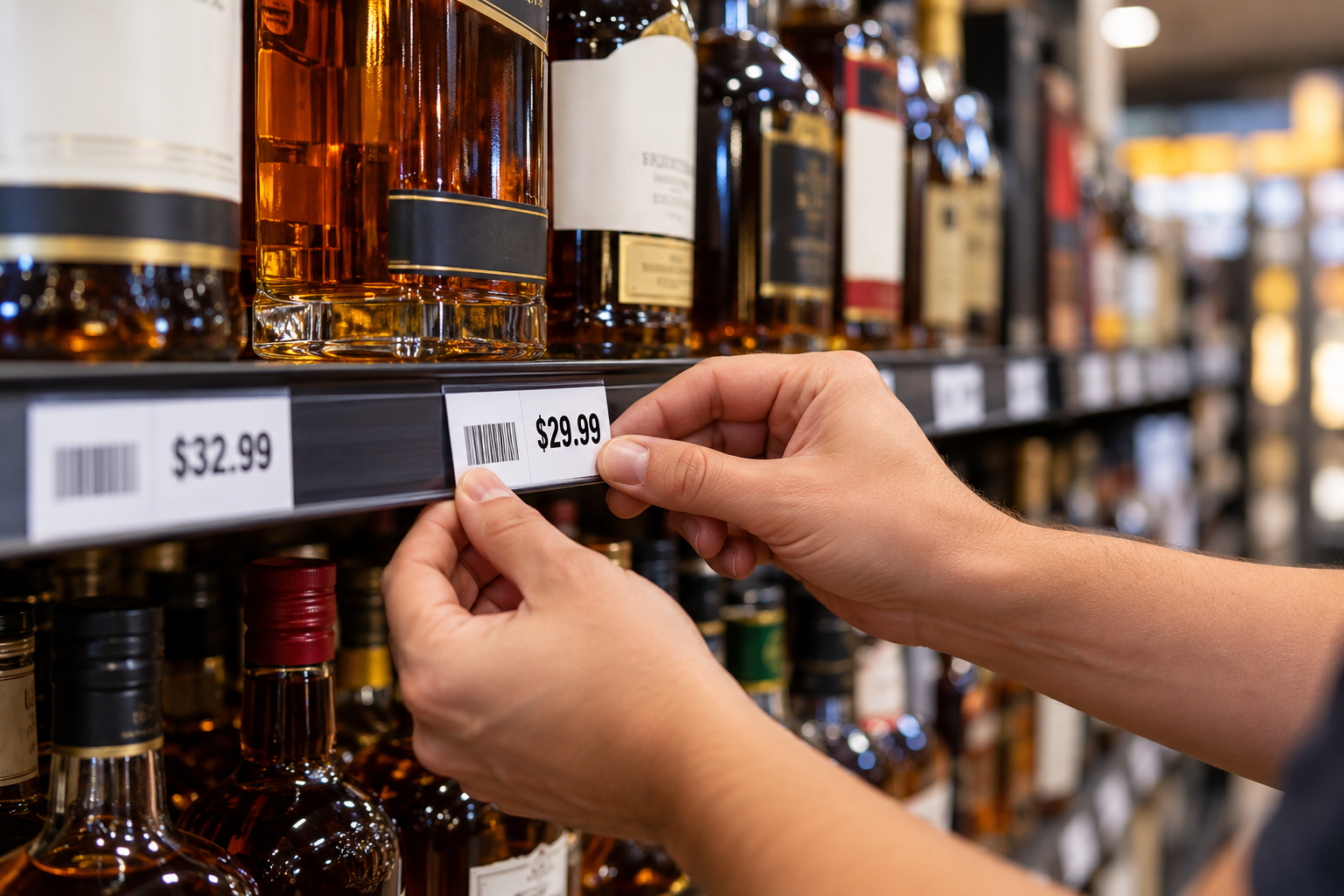
Stop Manually Tracking Shelf Label Changes: How Bevly Simplifies Liquor Store Price Tags
Running a liquor store means managing thousands—or even tens of thousands—of individual products. Every week, products are added, prices change, barcodes are updated, and product information is corrected.
But changing the information in your POS system is only half the job.
The shelf label also needs to match.
For many liquor stores, that creates an inefficient manual process. Managers have to remember which products they changed, write them down or maintain a separate list, open another program to create shelf labels, find the correct products again, and then print the labels.
Bevly eliminates much of that manual work.
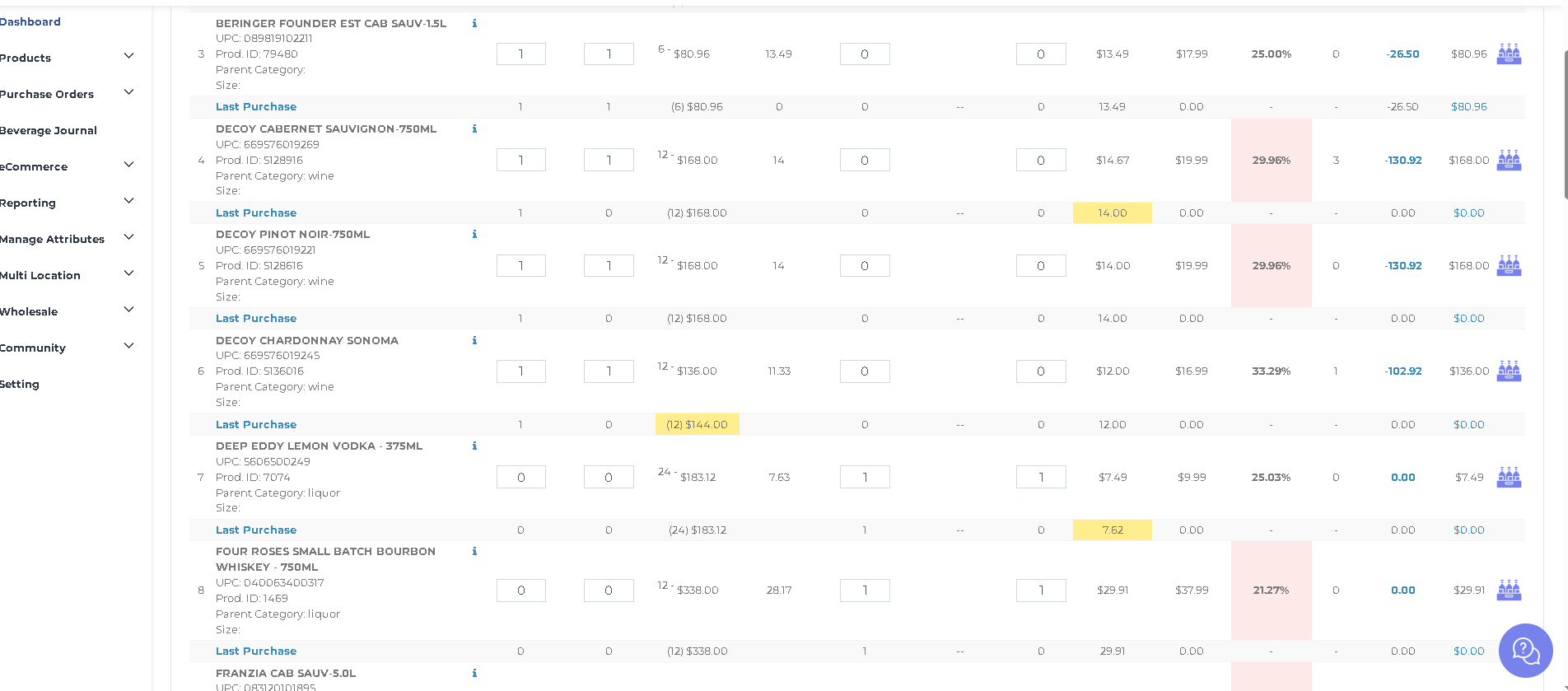
Bevly automatically maintains a log of important product changes so managers can quickly identify which products may need new shelf labels—and print those labels directly through the system.
Bevly Automatically Tracks Product Changes
Whenever certain product information is changed in Bevly, the system records it in a log.
That includes changes such as:
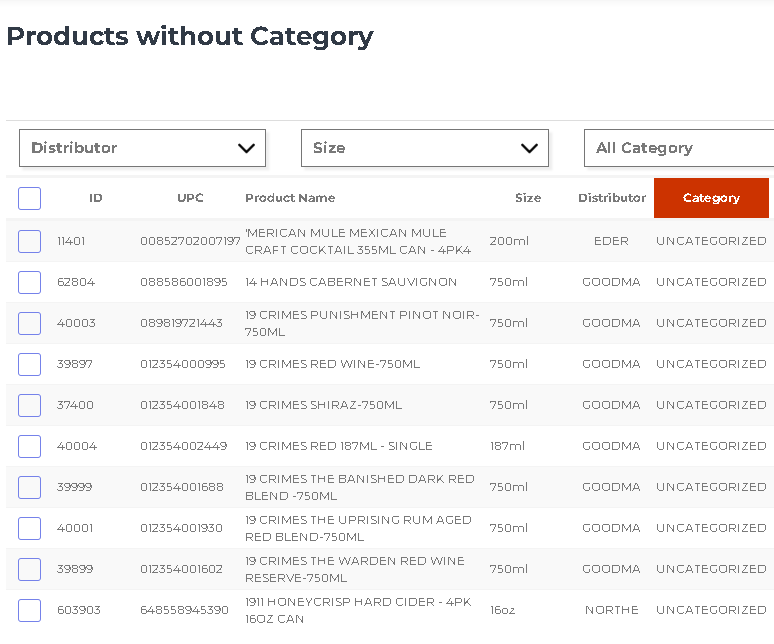
- Adding a new product
- Changing a product name
- Changing or adding a barcode
- Changing the retail price
Instead of relying on employees or managers to maintain their own list of changes, Bevly creates that record automatically.
The manager or owner can then review the products in the log and decide which shelf labels need to be printed.
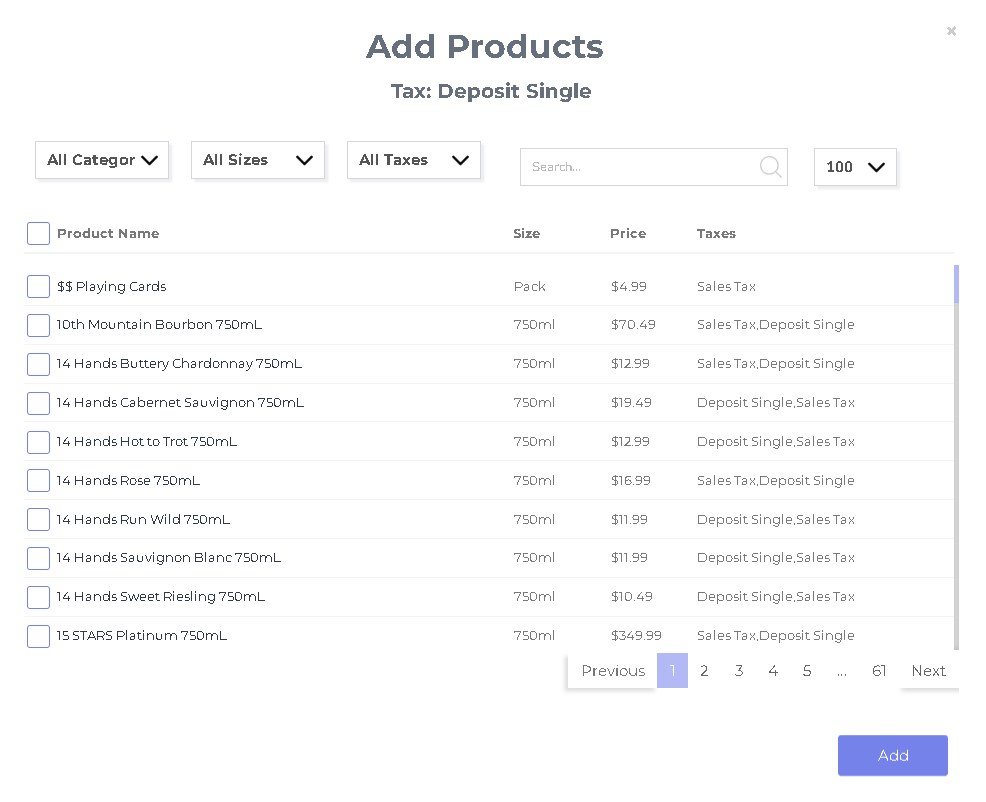
They can print labels for every product on the list or select only the individual products they need.
That turns what is traditionally a multi-step manual process into a much simpler workflow.
Why Shelf Label Management Becomes a Problem
Consider how frequently prices can change in a liquor store.
A store may carry thousands of SKUs across liquor, wine, beer, RTDs, mixers, snacks, tobacco, and other categories. Distributor costs change, promotions come and go, margins need to be adjusted, and new products arrive constantly.
Every change creates another opportunity for the shelf label to become outdated.
In a traditional workflow, someone needs to remember:
- Which product was changed.
- What information was changed.
- Whether the product needs a new shelf label.
- Where that product is located.
- Which labels still need to be printed.
The more changes a store makes, the harder that process becomes to manage.
A manager might update 30 retail prices throughout the day and then have to recreate a list of those same 30 products later just to print labels.
That is duplicate work.
Bevly’s change log removes the need to manually recreate that list.
Change the Price Once, Then Print the Label
The value of this feature is its simplicity.
When a retail price is changed in Bevly, that change is already being recorded. There is no reason the manager should then have to write down the UPC, SKU, or product name and enter it into a completely separate shelf-label program.
With Bevly, the workflow becomes:
Make the product change → Review the change log → Select the products → Print the shelf labels.
Fewer steps mean less administrative work and fewer opportunities for something to be forgotten.
Print Shelf Labels at the Store—Even When You’re at Home
Bevly takes this functionality a step further with remote access.
A liquor store owner or manager doesn’t necessarily have to be standing inside the store to handle product maintenance.
They can work in Bevly remotely, make product changes, review the change log, and select the shelf labels that need to be printed.
When they click “Print Labels,” those shelf labels can print at the store for employees to place on the shelves.
That changes how managers can structure their day.
Instead of staying at the store after hours to finish administrative work, an owner could work on pricing from home. Once the changes are complete, the labels can be waiting at the store for employees to put out.
For multi-location operators or owners who aren’t physically present every day, that can be especially valuable.
Reduce the Risk of Incorrect Shelf Prices
Shelf-label management isn’t just an administrative issue. It can affect the customer experience and store operations.
When the retail price in the POS changes but the shelf label doesn’t, the customer may see one price on the shelf and another at checkout.
That can create unnecessary price checks, customer complaints, employee confusion, and checkout delays.
The problem isn’t necessarily that employees aren’t doing their jobs. The underlying issue is often the workflow itself.
If managers have to manually remember every product they changed, eventually something can get missed.
Bevly creates a system for identifying those changes instead of depending entirely on someone’s memory or handwritten notes.
Spend Less Time Doing the Same Work Twice
One of the biggest opportunities for automation in liquor retail isn’t eliminating major jobs. It’s eliminating hundreds of small, repetitive tasks.
Shelf-label management is a good example.
Updating a product in one system and then entering the same product into another program to print a label doesn’t generate additional value for the store. It is simply extra work required by disconnected software.
Modern liquor store technology should reduce those duplicate processes.
When Bevly knows that a product has changed, that information can become part of the shelf-label workflow automatically.
The manager spends less time maintaining lists and more time managing the business.
Better Accountability for Product Changes
The change log also provides another important benefit: visibility.
Product information affects nearly every part of a liquor store’s operation. A retail price change affects margins. A barcode change affects checkout. A product-name change affects how employees find products. New products need to be correctly labeled and stocked.
Having a centralized record of those changes gives management a clearer view of what’s happening inside the product database.
Instead of wondering which products were recently modified, managers have a place to review those changes.
That makes Bevly’s shelf-label functionality more than just a printing feature. It becomes part of a more organized product-management process.
Liquor Store Software Should Eliminate Manual Work
Liquor store owners already have enough to manage.
They shouldn’t have to keep handwritten lists of price changes, manually transfer product information between programs, or drive back to the store simply because shelf labels need to be printed.
Technology should eliminate those steps.
Bevly is designed around that philosophy: use automation and connected workflows to reduce the repetitive administrative work involved in operating a liquor store.
The product-change log and shelf-label printing feature is a straightforward example.
When a product is added or important product information changes, Bevly keeps track of it. Management can review the list, choose the labels they need, and print them at the store—even while working remotely.
It’s a small workflow improvement that can add up to significant time savings when you’re managing thousands of products and making changes every week.
See How Bevly Can Simplify Your Liquor Store
Shelf labels are only one part of managing a liquor store’s product catalog and inventory.
Bevly is built to help liquor retailers reduce manual work, improve visibility, and manage their stores more efficiently through automation and remote access.
If you’re still manually tracking price changes and entering products into a separate program every time you need to print shelf labels, there is a better way.
Contact Bevly to schedule a demo and see how the platform can simplify your liquor store operations.