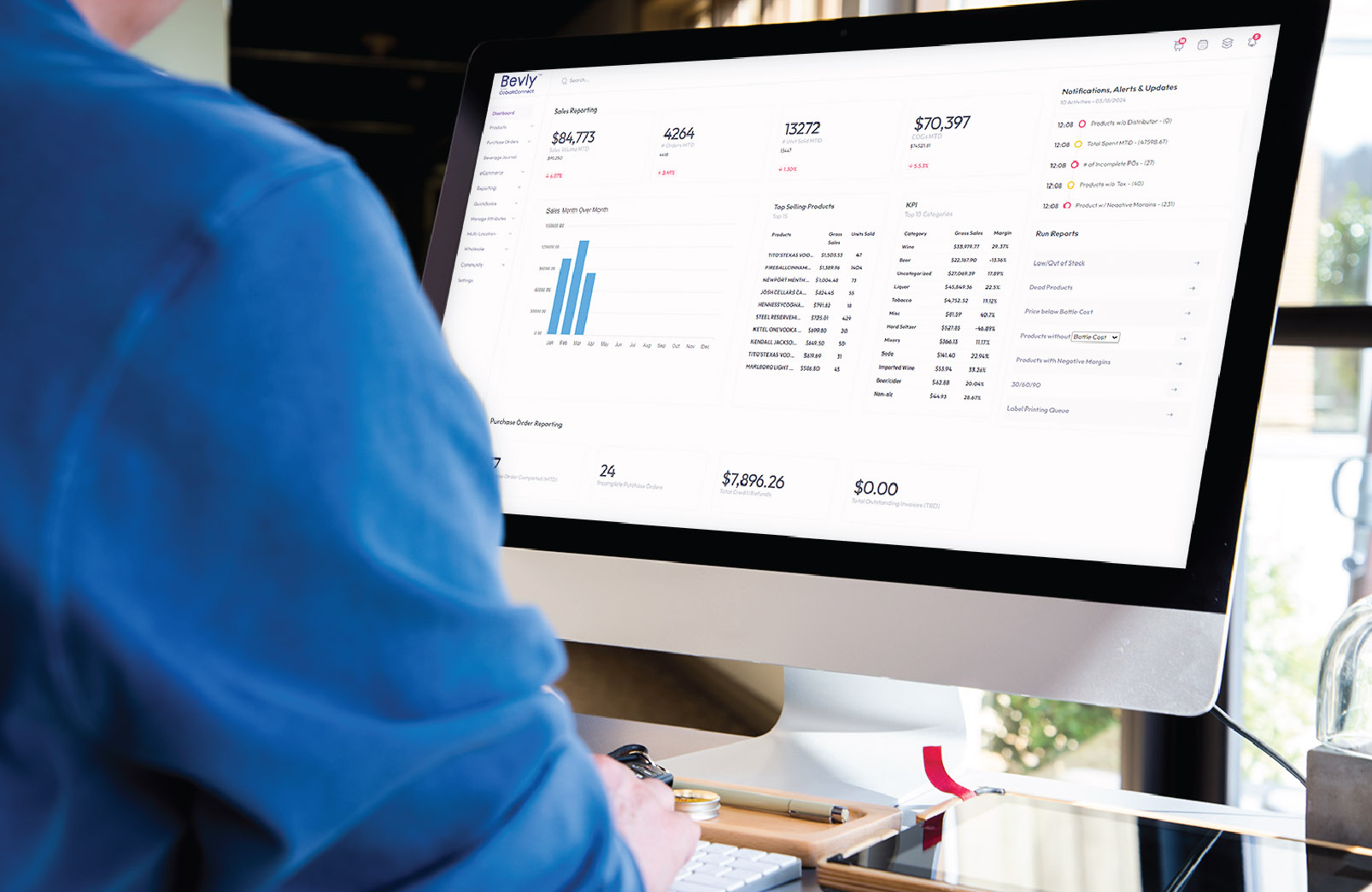
Switching Your Liquor Store POS: The Real Work Behind the Decision — and How Bevly Handles It for You
For liquor store owners, switching point-of-sale (POS) systems is rarely about software features alone. It’s about risk, disruption, and time. The fear isn’t whether a new POS could be better — it’s whether the transition will break daily operations, create inventory chaos, or distract from revenue-generating work.
In reality, switching POS systems is a project, not a plug-and-play decision. Below are the major operational tasks involved in a POS transition for a liquor store — followed by how Bevly’s team absorbs that workload so owners don’t have to.
1. Data Migration: Inventory, Pricing, and History
What the task actually involves
- Exporting product catalogs from your current POS
- Cleaning up SKUs, duplicate UPCs, and outdated items
- Mapping bottle vs case relationships correctly
- Preserving cost history, retail pricing, and margins
- Importing vendors, brands, categories, and attributes
For liquor stores, this is especially complex due to:
- Inconsistent distributor UPCs
- Split-pack and breakage logic
- Vintage and size variations
- Long-tail dead inventory that still needs tracking
How Bevly handles it
Bevly’s onboarding team performs full inventory normalization, not just a raw import. They:
- Clean and standardize product data
- Correct case-to-bottle economics
- Preserve cost and margin integrity
- Flag dead or duplicate SKUs during migration
The result: a clean, usable inventory on Day One — not a messy carryover of old problems.
2. Distributor & Vendor Setup
What the task actually involves
- Adding all distributors and suppliers
- Matching internal SKUs to distributor catalogs
- Managing inconsistent naming and pricing structures
- Setting up ordering logic by vendor and state compliance
Many stores underestimate how much time this takes — especially when managing multiple distributors across beer, wine, spirits, and RTDs.
How Bevly handles it
Bevly pre-configures distributor relationships and automates:
- Distributor price book ingestion
- Invoice-to-inventory matching
- Vendor-level ordering workflows
This eliminates manual SKU matching and drastically reduces invoice errors after launch.
3. Employee Setup & Training
What the task actually involves
- Creating user roles and permissions
- Training staff on checkout, returns, and overrides
- Teaching inventory receiving and adjustments
- Preventing shrink caused by misuse or confusion
Training errors show up immediately at checkout — slowing lines and frustrating customers.
How Bevly handles it
Bevly provides:
- Role-based access configured during onboarding
- Simple, liquor-specific workflows (not generic retail flows)
- Guided training for owners, managers, and cashiers
Most teams are checkout-ready in hours, not weeks.
4. Hardware & Checkout Configuration
What the task actually involves
- Configuring scanners, receipt printers, and cash drawers
- Ensuring tax rules apply correctly by category
- Verifying age verification and ID prompts
- Testing refunds, voids, and price overrides
Hardware missteps can stop sales instantly.
How Bevly handles it
Bevly ensures:
- Hardware compatibility is validated upfront
- Checkout workflows are tested before launch
- Alcohol-specific compliance settings are pre-configured
No guessing, no trial-and-error during live hours.
5. Inventory Counts & Reconciliation
What the task actually involves
- Performing a full physical count (often thousands of SKUs)
- Reconciling POS quantities with real shelf counts
- Correcting errors before going live
- Avoiding opening day shrink discrepancies
This is one of the most time-consuming steps — and the most critical.
How Bevly handles it
Bevly supports:
- Structured count workflows
- SKU validation during counts
- Clean starting inventory levels
Stores go live knowing inventory numbers are accurate — not “close enough.”
6. Reporting & Business Intelligence Setup
What the task actually involves
- Rebuilding sales, margin, and velocity reports
- Learning new dashboards and filters
- Ensuring managers can actually use the data
Without this step, most POS switches fail to deliver long-term value.
How Bevly handles it
Bevly provides liquor-specific insights out of the box:
- SKU velocity and dead stock detection
- Category margin analysis
- Case vs bottle profitability
- Distributor cost trend visibility
Owners don’t just get reports — they get clarity.
7. Go-Live Risk Management
What the task actually involves
- Choosing a launch date that won’t hurt sales
- Ensuring staff confidence on Day One
- Handling issues quickly if something breaks
- Avoiding downtime during peak hours
This is where most POS switches go wrong.
How Bevly handles it
Bevly’s team:
- Plans launch timing strategically
- Stays hands-on during go-live
- Resolves issues in real time
- Acts as a partner, not a ticketing system
The Real Value: Bevly Turns a POS Switch Into a Managed Transition
Switching your liquor store POS doesn’t fail because the software is bad — it fails because owners are forced to manage a complex operational project alone.
Bevly removes that burden by:
- Owning the migration
- Cleaning the data
- Training the team
- Configuring compliance
- Supporting the launch
Instead of weeks of disruption, stores experience a controlled, supported transition — and come out with better inventory accuracy, cleaner data, and more time to focus on revenue.
For liquor retailers, that’s not just a POS upgrade.
It’s operational leverage.